Company NewsMarch 22, 2019
Tip! Share a Live-Updated Participant List with Your Supplier
Event Logic
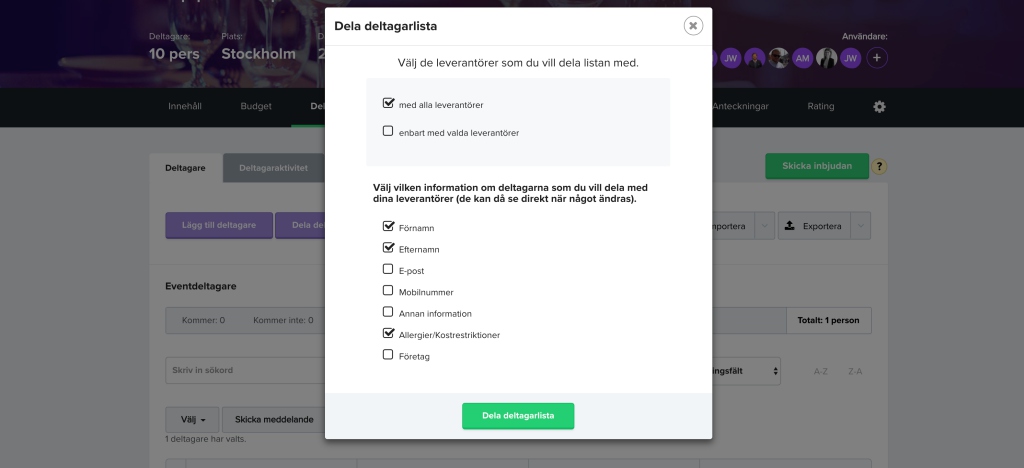
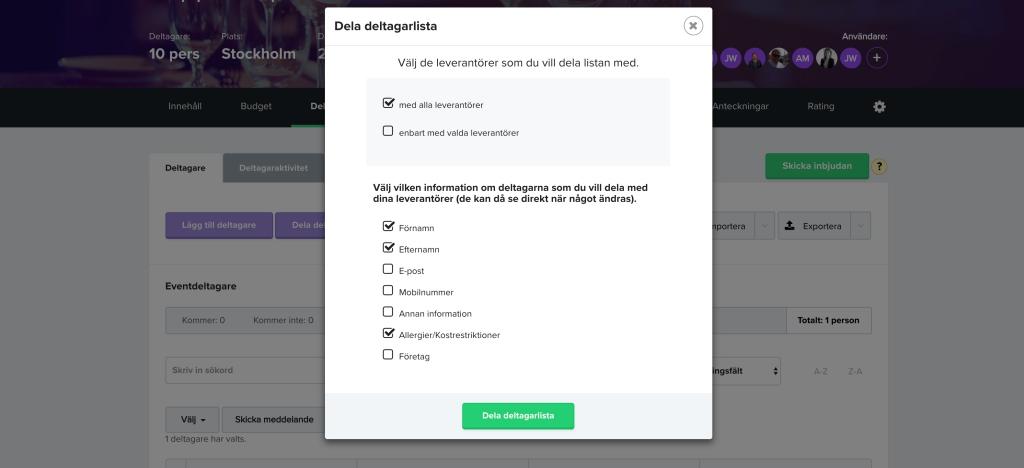
To simplify the management of your participants and their information, you can easily share the participant list with the supplier you have booked. The supplier can then easily follow how the number of registrations is developing and access information about allergies, etc.
You simply choose which suppliers you want to share the list with, and which information you want to share. You can choose from all types of information in the participant list, including any questions you may have added to your registration form.
5 quick steps to share a participant list:
- Go to Participants > Invitation in your Navigation menu.
- Click on Share participant list.
- Choose which suppliers you want to share the list with.
- Choose which information you want to share.
- Click on Share participant list.